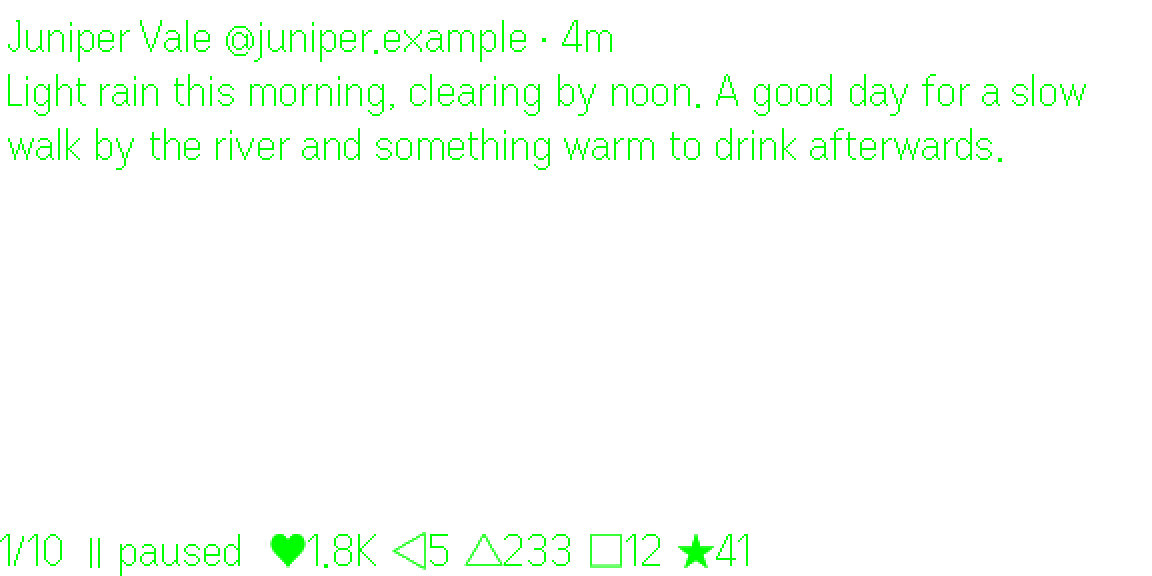
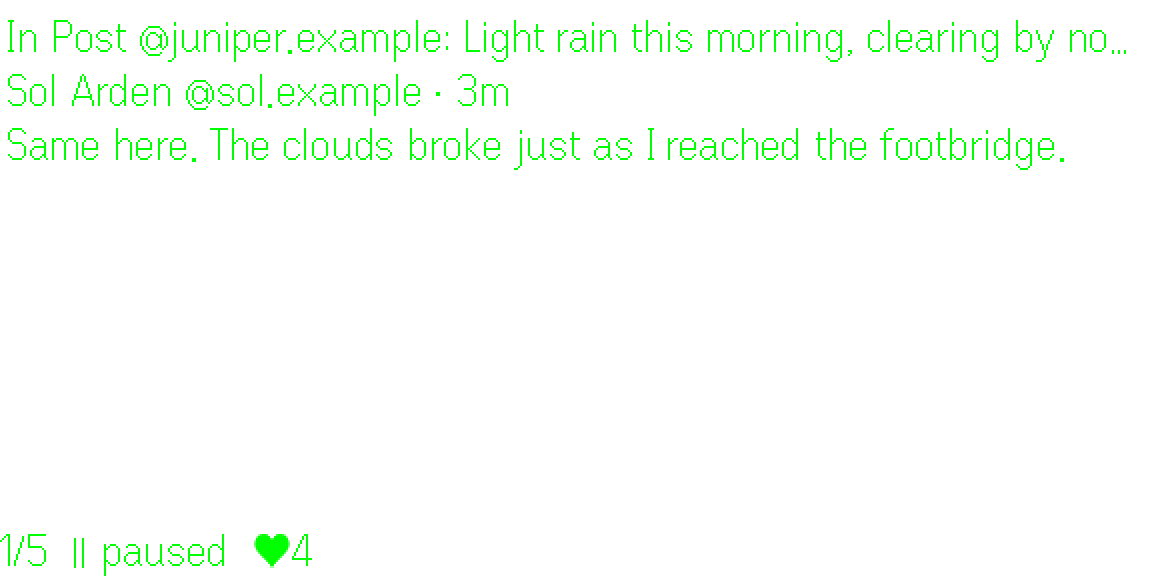
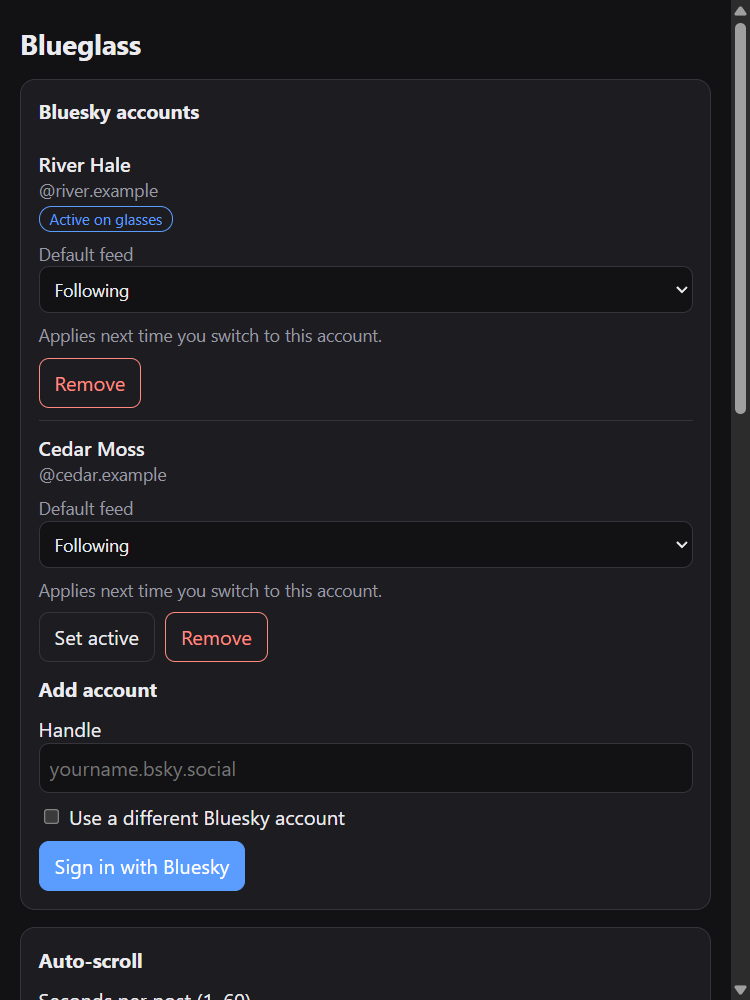
Follow your Bluesky feeds on Even Realities G2 glasses without picking up your phone. Blueglass shows one post at a time in your field of view and moves on by itself, so it works at your desk, on the couch, or while your hands are busy cooking or cleaning.
Coming soon to Even Hub, the app store in the Even Realities app.
See it on the glasses
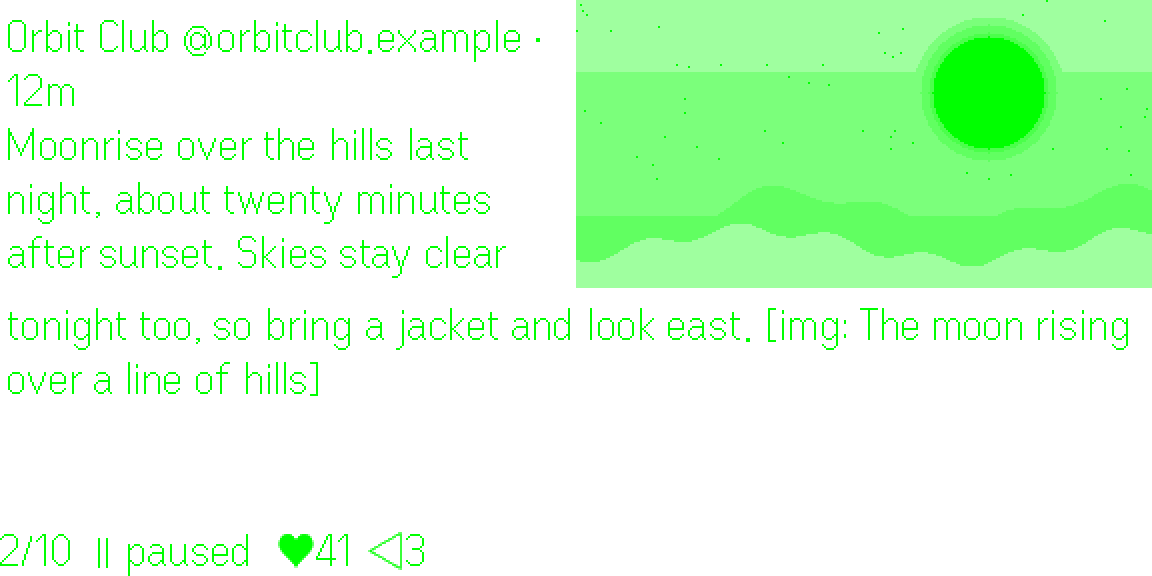
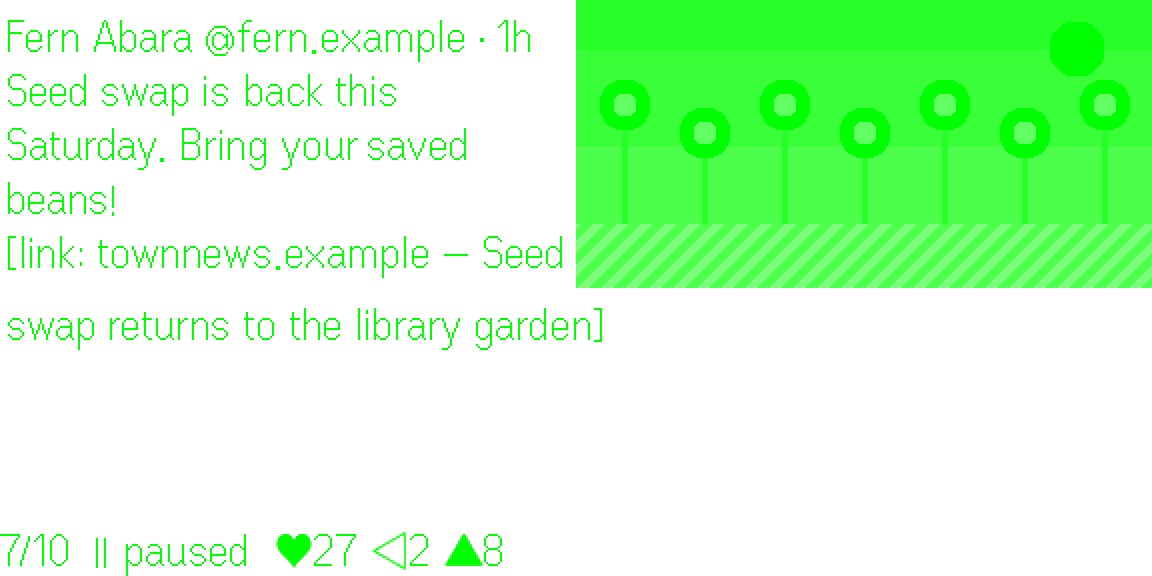
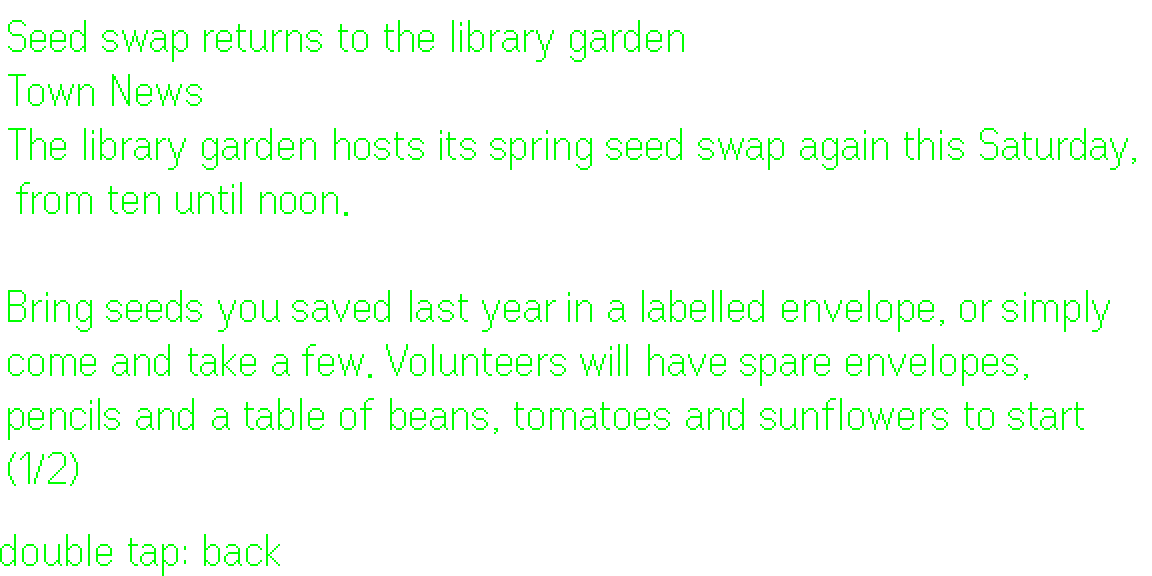
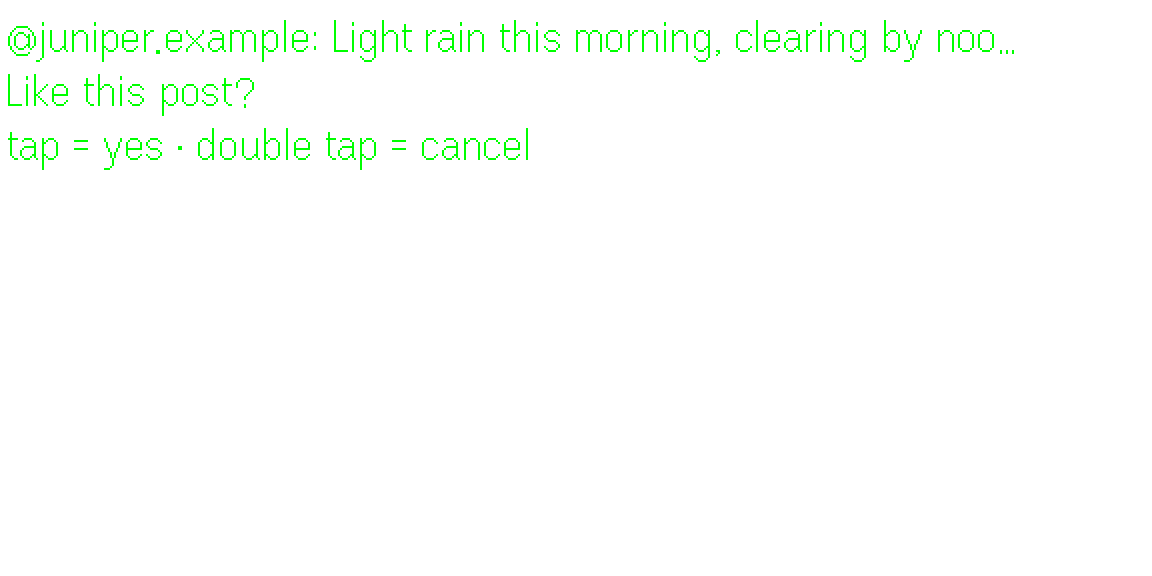
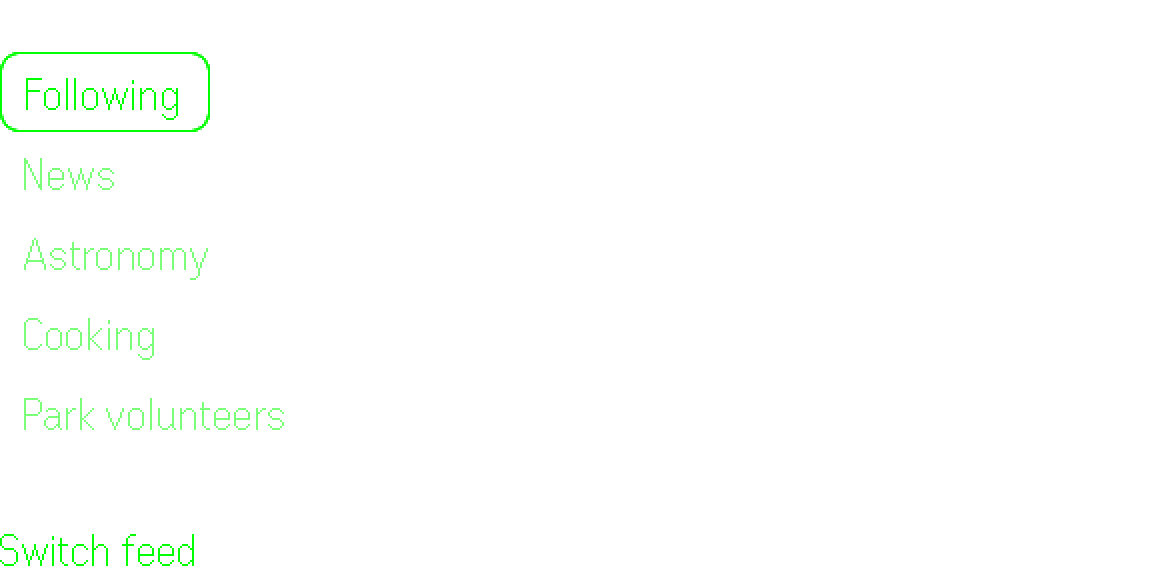
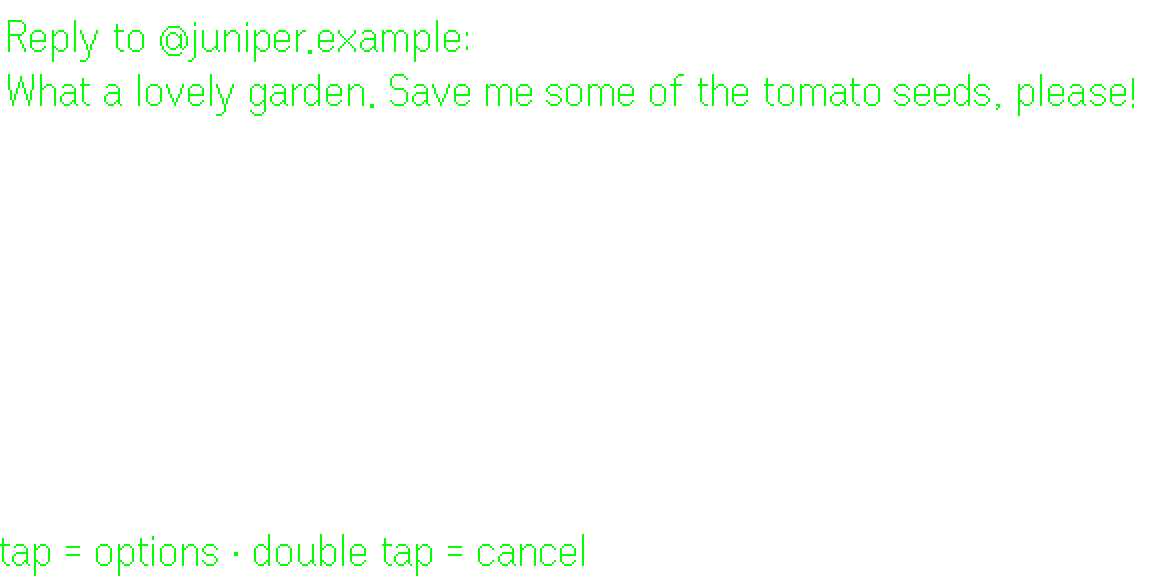
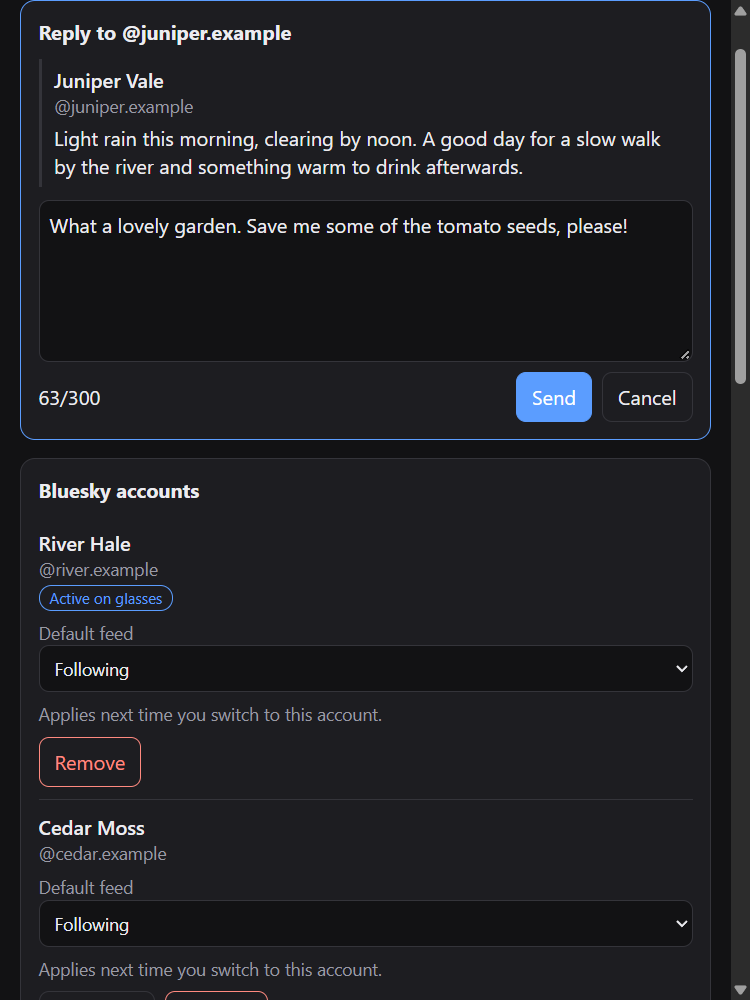
A post, scrolling automaticallyA picture beside the post textLink previews beside the postRead the article behind a linkComments, with the post they belong toEvery action asks firstSwitch feeds from the glassesDictate a reply, then check itSettings on your phoneWrite a reply on your phone
Screenshots use made-up demo accounts and posts.
What it does
Auto-scrolls your feed at the pace you choose (5 seconds per post and 3 per comment by default); swipe to pause or go back.
Shows pictures, video thumbnails and link previews beside the post text, with likes, replies, reposts, quotes and saves at a glance.
Tap a post to read its comments, threaded or as one list, sorted by top, oldest or newest. It starts from your Bluesky settings.
Read the article behind a link, as text on your glasses.
Like, repost, quote, save, follow and reply. Reply or quote by speaking on the glasses, or type on your phone.
Mute, block, add to a moderation list or report.
Every action has a confirmation step (required by Even Realities’ developer terms).
Switch between your pinned feeds, lists and several Bluesky accounts.
Works with the R1 ring or the glasses touchpads. Your phone is only needed to sign in, change settings and type if you prefer.
Adult content is always hidden, and your own Bluesky moderation settings are respected.
Sign-in and privacy
You sign in with Bluesky directly; Blueglass never sees your password and asks only for the permissions it needs. No posts are stored. See the privacy policy for details.
Voice dictation uses the glasses’ microphone only while you dictate. The recording is turned into text by Cloudflare Workers AI and discarded immediately; it is never stored or logged. Nothing is posted until you confirm the text.
Support Blueglass
Blueglass is free. If you enjoy it, you can buy me a coffee to help cover the running costs.